[Git] 新規リポジトリの追加
GitBucketで、新規リポジトリを作成するには、
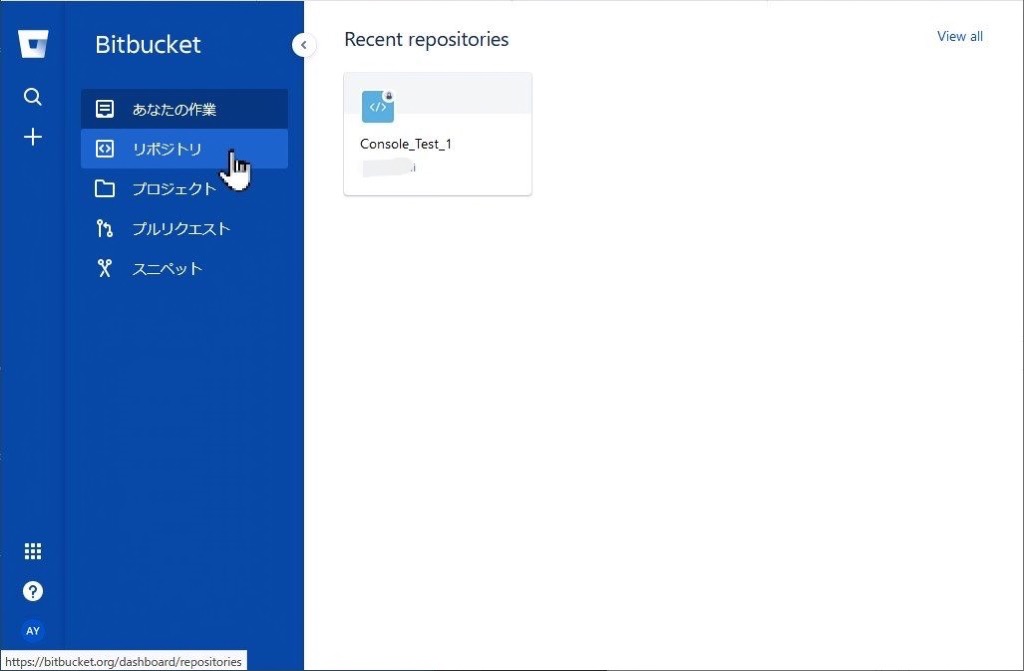
まず、メニューから”リポジトリ”を選択します。
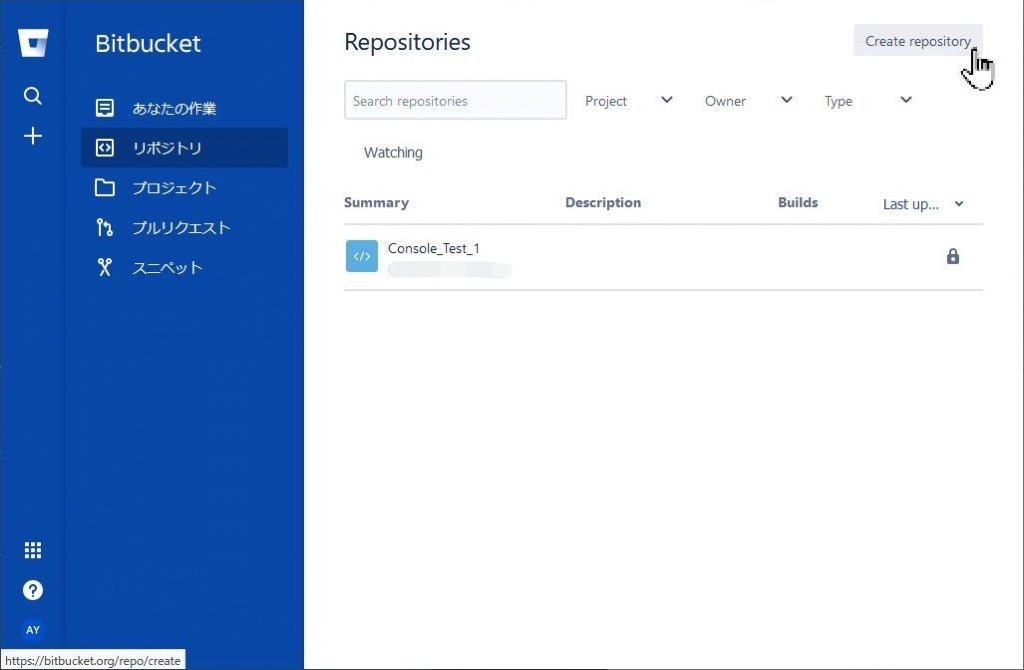
“Create repository”を選択すると…
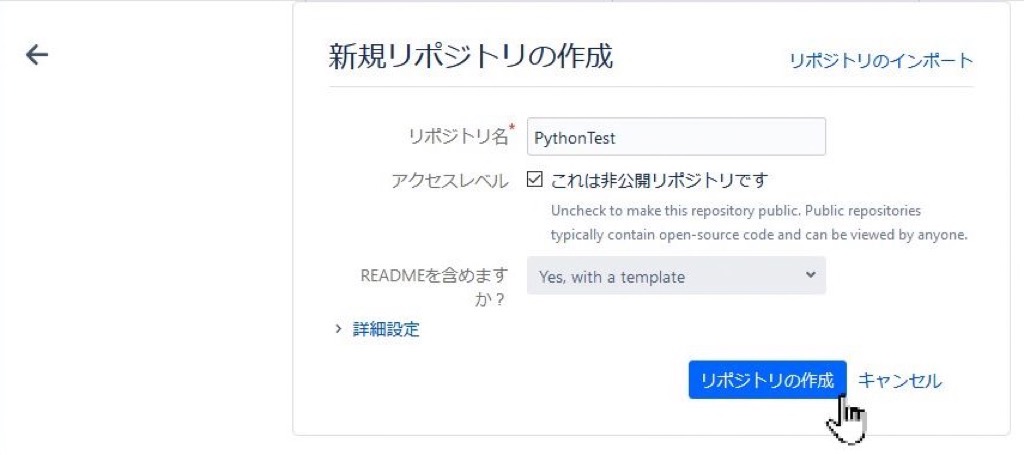
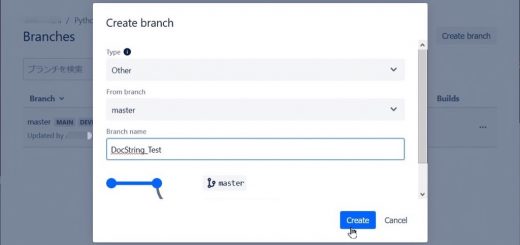
作成したいリポジトリの名前を入力し、
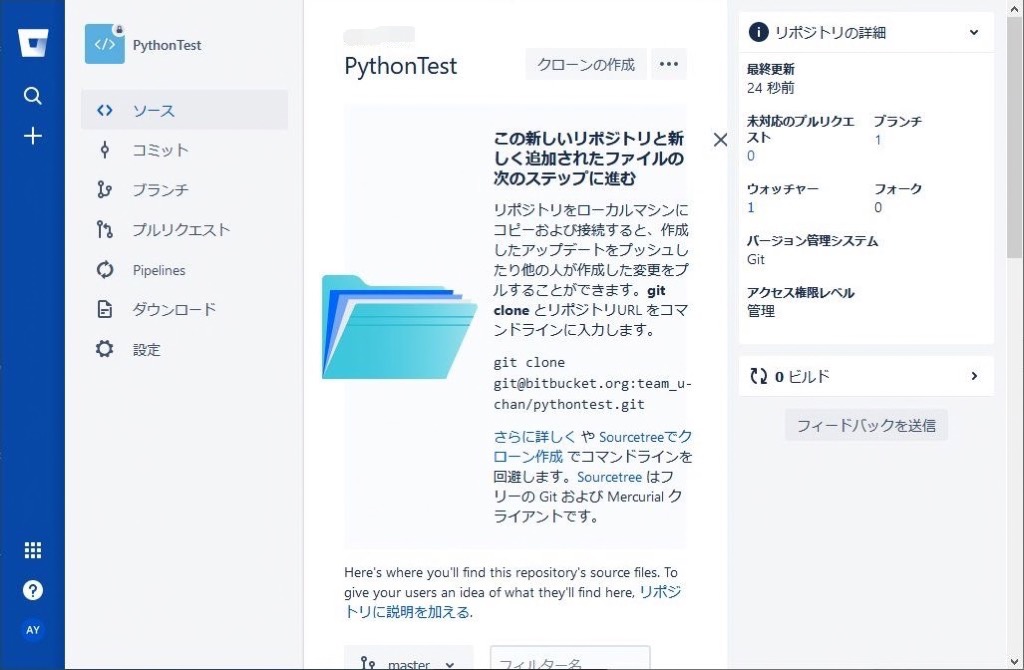
”リポジトリの作成”を押すと作業は完了です。
Just another WordPress site
This website stores cookies on your computer. These cookies are used to provide a more personalized experience and to track your whereabouts around our website in compliance with the European General Data Protection Regulation. If you decide to to opt-out of any future tracking, a cookie will be setup in your browser to remember this choice for one year.
Accept or Deny
最近のコメント