VSCodeでPython(VSCodeにPythonプラグインをインストールする)

VSCodeがインストールできたら、Python関連のプラグインをインストールし、実際にVSCodeでPythonが使用できる様に、設定をします。

まずは、サイドバーの”拡張機能”をクリックします。


検索ウィンドウに”python”と入力すると、Python関連のパッケージ一覧で表示されます。
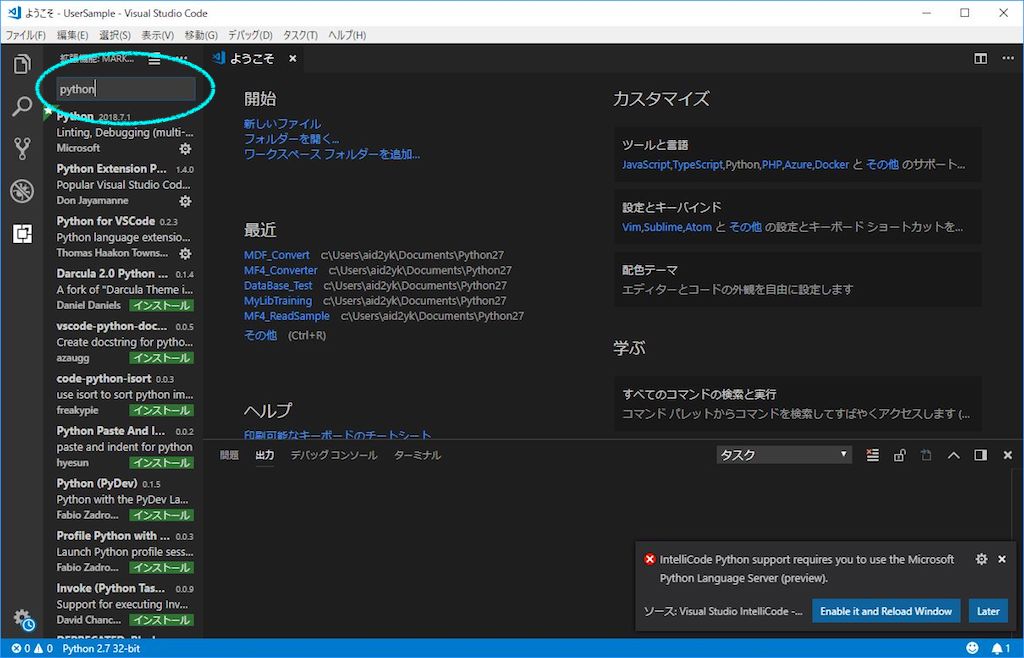
 

一覧の中から、パッケージを選択するとインストール画面が出てきますので、パッケージをインストールします。
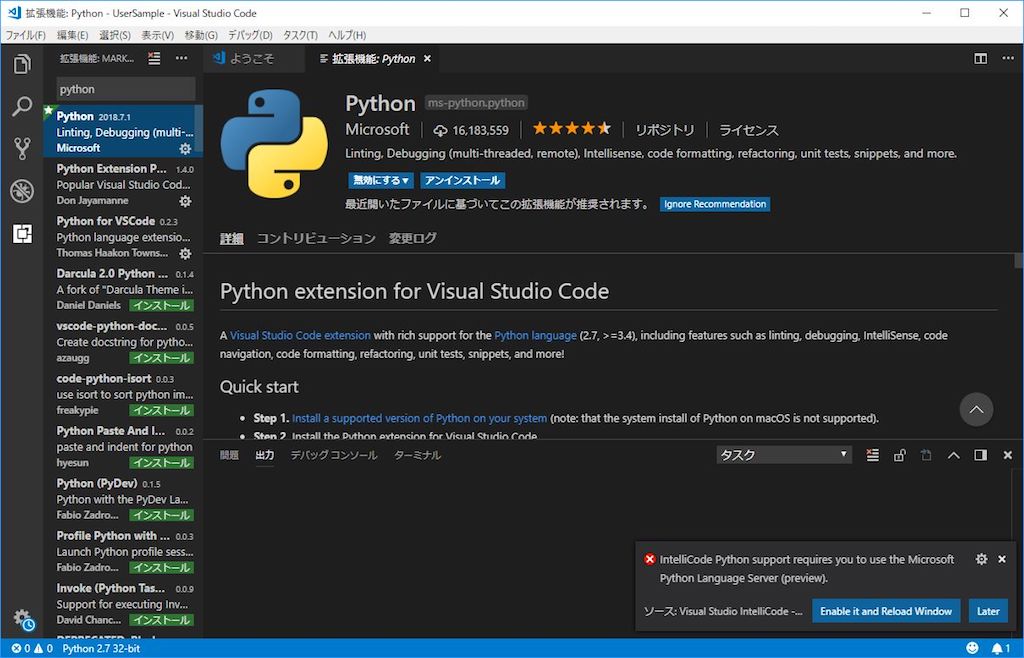
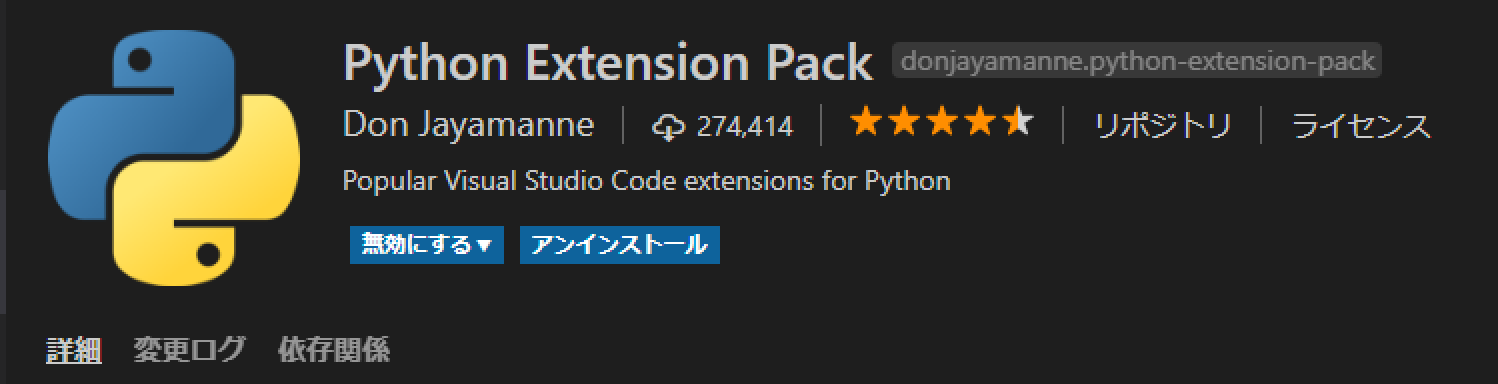
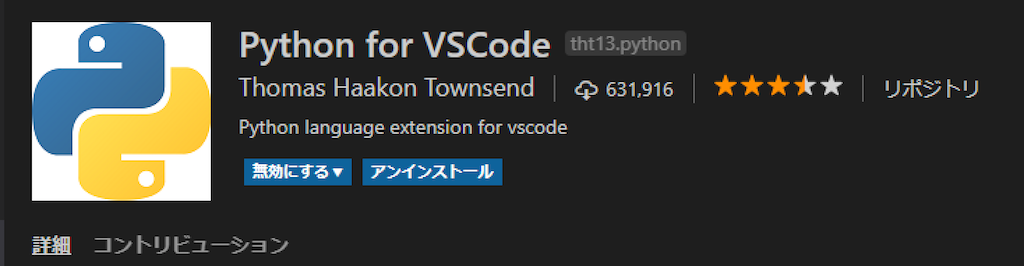
とりあえず、以下の三点のパッケージをインストールすれば、十分です。
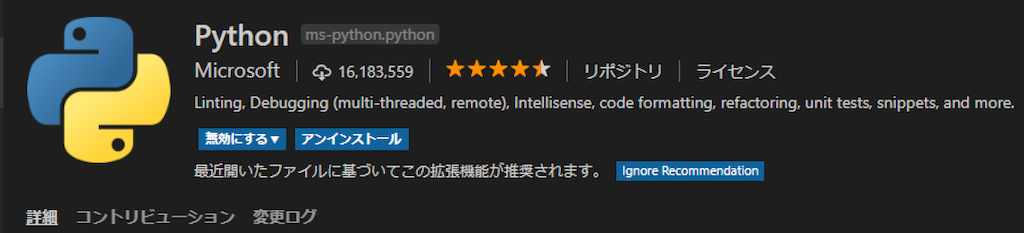
以上で、VSCode上でPythonを使用するために必要な初期設定は完了です。
おすすめ

コメントを残す

このサイトはスパムを低減するために Akismet を使っています。コメントデータの処理方法の詳細はこちらをご覧ください

This website stores cookies on your computer. These cookies are used to provide a more personalized experience and to track your whereabouts around our website in compliance with the European General Data Protection Regulation. If you decide to to opt-out of any future tracking, a cookie will be setup in your browser to remember this choice for one year.

Accept or Deny